Webhooks key
Cerințe pentru finalizare
Webhooks key
To trigger Webhooks Applets requires a unique key.
The key is available from the user profile (upper right side) by
clicking the My services option.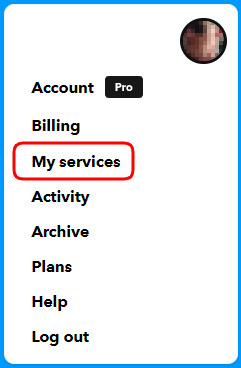
Look for the Webhooks service at the end of the page (services are alphabetically ordered), click on it, and click on the Documentation button. A new page will show the key in a legend like this: Your key is: cjodX8trC3YXPLMrESXb-Y.
Once again, save as a Python file with the motion_sensor.py name.
- Run
the program by clicking the button Run.
( You can also run the program from the command line: sudo python motion_sensor.py ):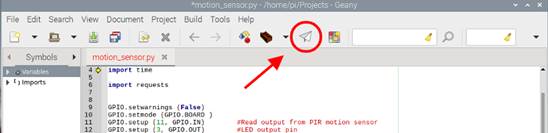
- The
LED will light up if we pass our hand over the sensor while the code is
executing. The Raspberry Pi terminal screen will show the message "Activity
detected in room 1". When the sensor stops detecting movement
(that is, once we remove our hand), the LED will turn off and display the
message
"No intruders". - Additionally,
every time the sensor detects movement (and the LED light-up), IFTTT triggers
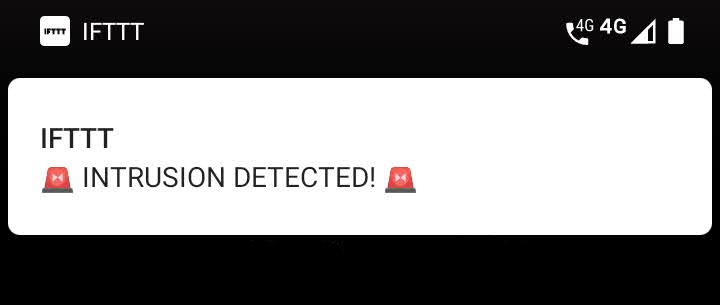
the webhook, and the notification appears on the smartphone: