
Connecting the Raspberry Pi
Completion requirements
Connecting the Raspberry Pi
To ensure component safety, make connections to the Raspberry Pi in the following order:
- Insert the SD card into the Raspberry Pi
slot (the card contains the Raspberry Pi OS).
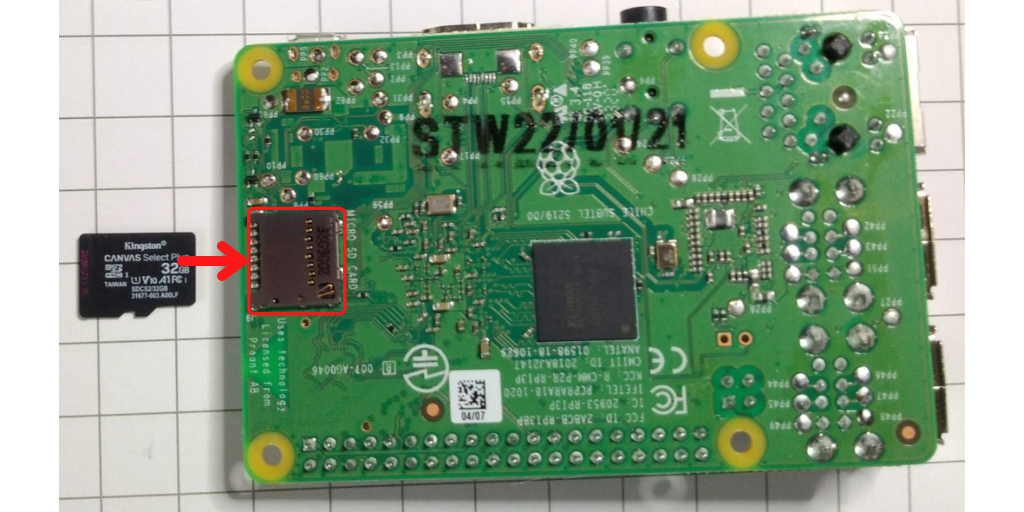
- Connect the mouse to a USB port (you can
choose any port).
- Connect the keyboard to a USB port.
- Plug your monitor (or TV) in and turn it
on.
- Connect the display to the HDMI port of the
Raspberry Pi with the HDMI-HDMI cable.
- Turn on the Raspberry Pi by connecting the power supply to the micro USB port (the Raspberry Pi does not have a power switch; it will turn on when you plug the power cord).
A red LED (light-emitting diode) will turn on, and the operating system
will begin to run. After a few seconds, the desktop of the operating system
will appear on the screen. 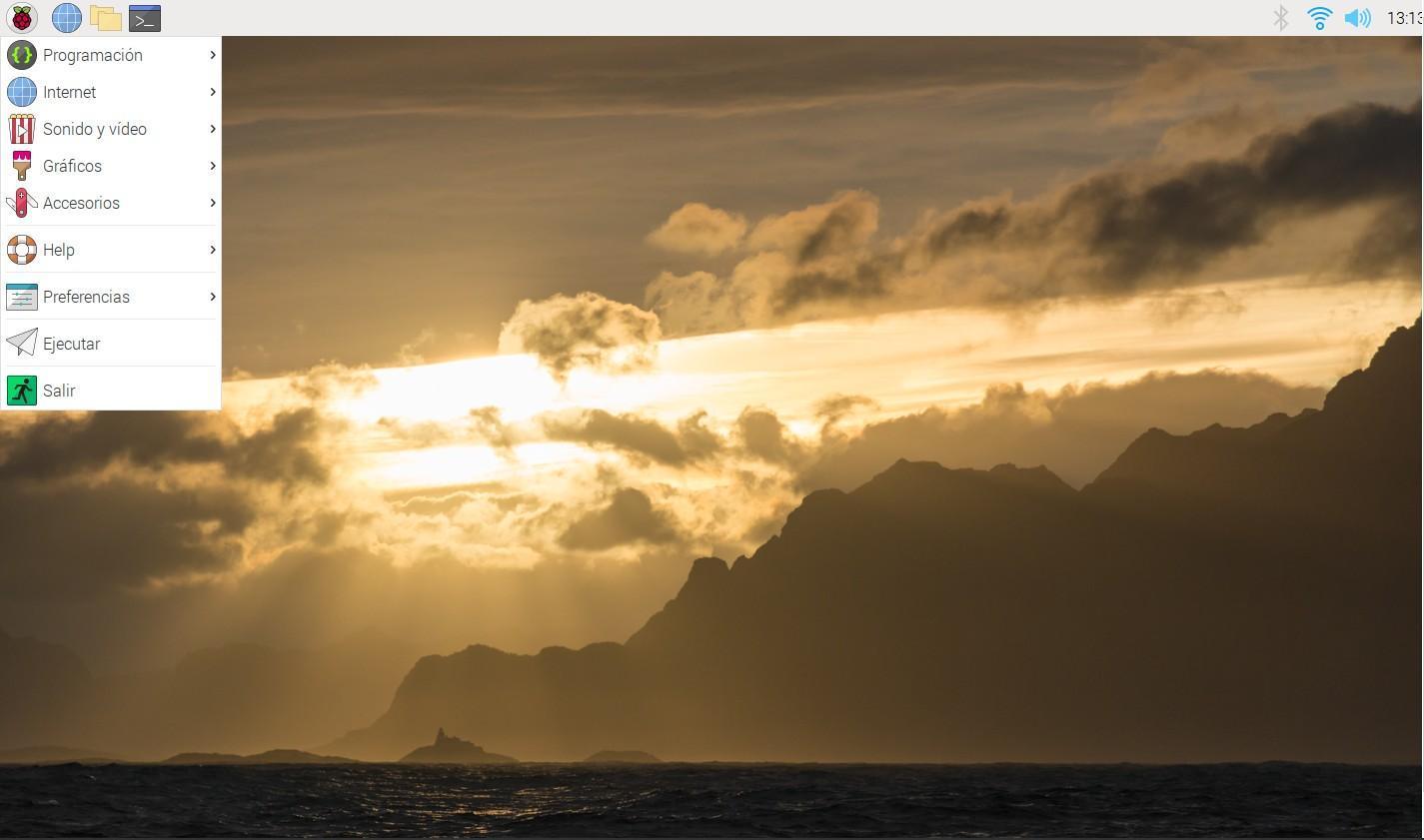
As with most operating systems, when it runs for the first time, it is necessary to configure some parameters such as:
- Country,
Language and Time Zone.
- New
Password.
- Connection to WiFi.
If there are operating system updates, they will install automatically, and then you will have to restart the operating system to finish the configuration. Otherwise, restart is not necessary.
The initial setup of the Raspberry Pi is complete.