Running the code
Užbaigimo reikalavimai
Running the code
Save as a Python file with the ultrasensor.py name.
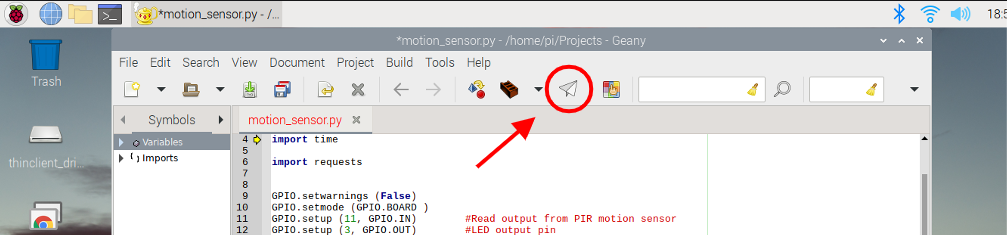
- Run
the program by clicking the button Run.
(You can also run the program from the command line: sudo python ultrasensor.py):
- The
LED will light up if the sensor detects proximity while the code is executing.
The Raspberry Pi terminal screen will show the message "LED ON", and
will trigger the 2-occupied webhook
on IFTTT. When the sensor stops detecting proximity, the LED will turn off and
display the message "LED OFF", and will trigger the 2-free webhook on IFTTT.
- Add
a shortcut to the spreadsheet on the smartphone home screen:
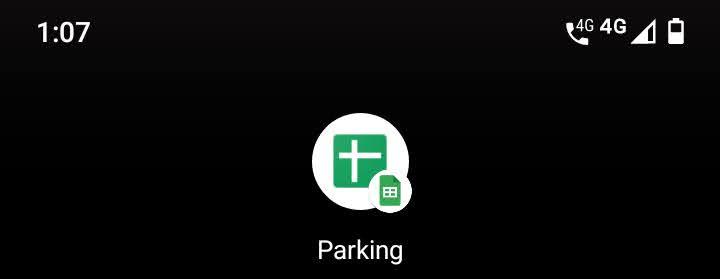
- Opening
the spreadsheet on the smartphone you will be able to see the parking
occupation.

Although the app will work fine, there are some tips to have in mind:
- Remember
to share the Google Sheets spreadsheet to Anyone
with the link and with Can view
permission only to avoid other users changing cells values.
- Protect
the sheet (another security layer).
- Add a design to the spreadsheet to do it more attractive and functional.