
Objectives
Introduction to Amazon Simple Storage Service
Objectives
Amazon Simple Storage Service is a service developed for data storage on the Internet. It is named S3 within the Amazon. Amazon S3 has a simple web Services interface that you can use to store and retrieve any amount of data from anywhere on the web at any time. It gives all developers access to the same highly scalable, reliable, fast, inexpensive data storage infrastructure that Amazon uses to run its own global web site network.
There are some terms that need to be known in S3, the file storage service.
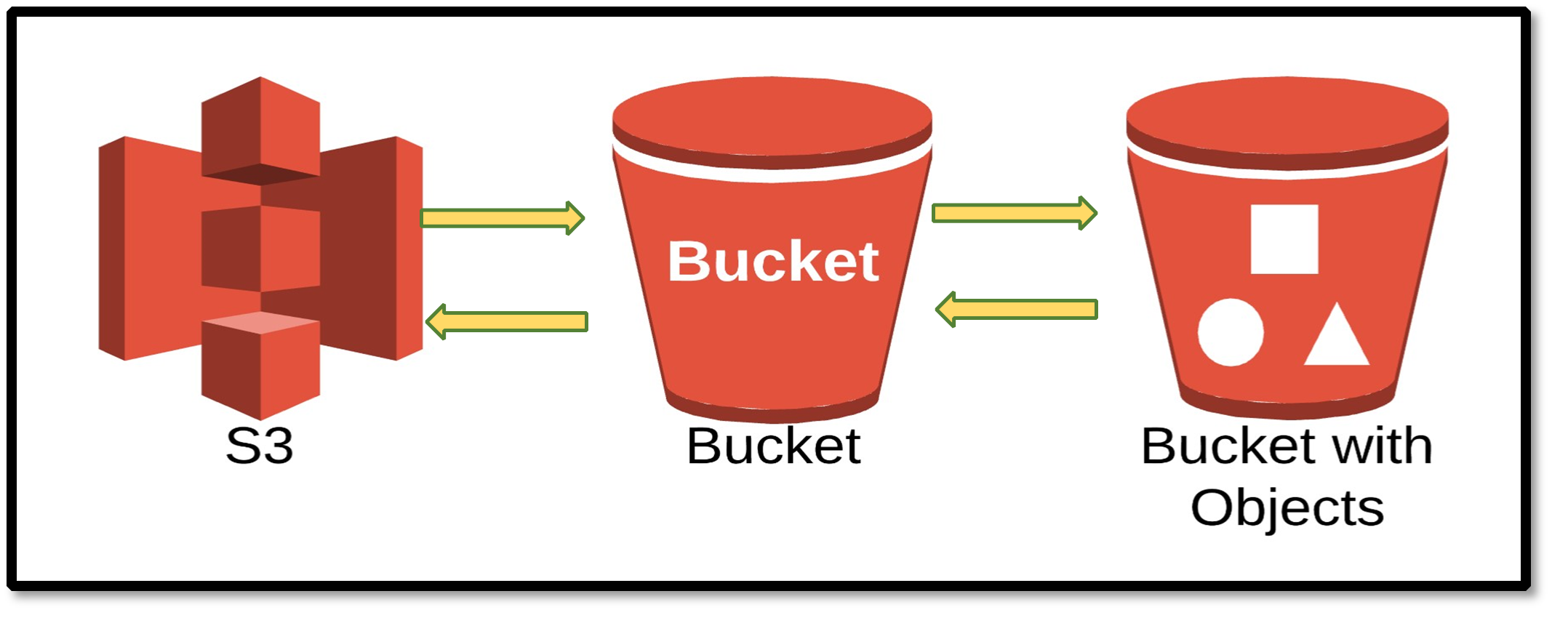
1. Buckets: A bucket serves as a container in which to store your objects within the Amazon S3. Each object is housed in buckets. You can configure the bucket that you want to create by selecting a specific AWS region that you want.
2. Objects: Objects are basic assets or files of any type stored in Amazon S3. Objects are made up of object data and metadata. The data portion is treated as a byte stream. So Amazon AWS doesn't know what kind of data you're storing. Metadata is a set of name-value pairs that define the object. These include some default metadata such as the last modified date, object size, MD5 summary and standard HTTP metadata such as. The sizes of objects can range from 0 bytes to 5 TB, and a single bucket can store an unlimited number of objects.
3. Keys: The key is the unique identifier of an object in the bucket. Every object in a bucket has exactly one key.
Object = Bucket + Key + Version.
Thanks to this combination, Amazon AWS is able to uniquely identify each object.
4. Regions: You can choose the geographic AWS Region where you can create your buckets and store your objects. Zone selection may be necessary to both optimize (minimize) delay, minimize costs, and meet legal requirements. Objects that you store in one zone will continue to be stored there unless you transfer them to another zone by you.
At the end of this module: You can easily store the content you want on Amazon Simple Storage Service (Amazon S3) by uploading objects and making them public. You do not need a server for this. You can retrieve, use, or update the data you store at any time, anywhere (over the web). After completing this application, you will be able to:
- Creating buckets on Amazon S3
- Folder creation and content loading in S3
- Public access to S3 folder objects